
.svg)



.svg)


.svg)

Connect QuickBooks Online to Debitura and import unpaid invoices for debt collection. Secure OAuth2 sync, 9-field data mapping, date filtering, and No Cure-No Pay recovery across 183 countries.
.svg)

.svg)

.svg)
.svg)
QuickBooks Online is one of the most widely used accounting platforms for small to medium-sized businesses, covering invoicing, expense tracking, bank reconciliation, and financial reporting. Its payment reminders work for mildly overdue invoices, but when a customer truly stops paying, QuickBooks has no escalation path built in.
That leaves finance teams relying on spreadsheet exports, scattered email threads with agencies, and manual status tracking across countries. The result is slow follow-up, inconsistent execution, and lower recovery rates.
Debitura's QuickBooks integration closes that gap. Connect once via OAuth2 and turn overdue invoices into active collection cases without ever leaving your workflow.
Setup takes just a few minutes. Log into app.debitura.com, navigate to Integrations > QuickBooks Online, and click Connect. You will be redirected to QuickBooks to sign in and authorize access. If you manage multiple companies, select the one you want to connect.
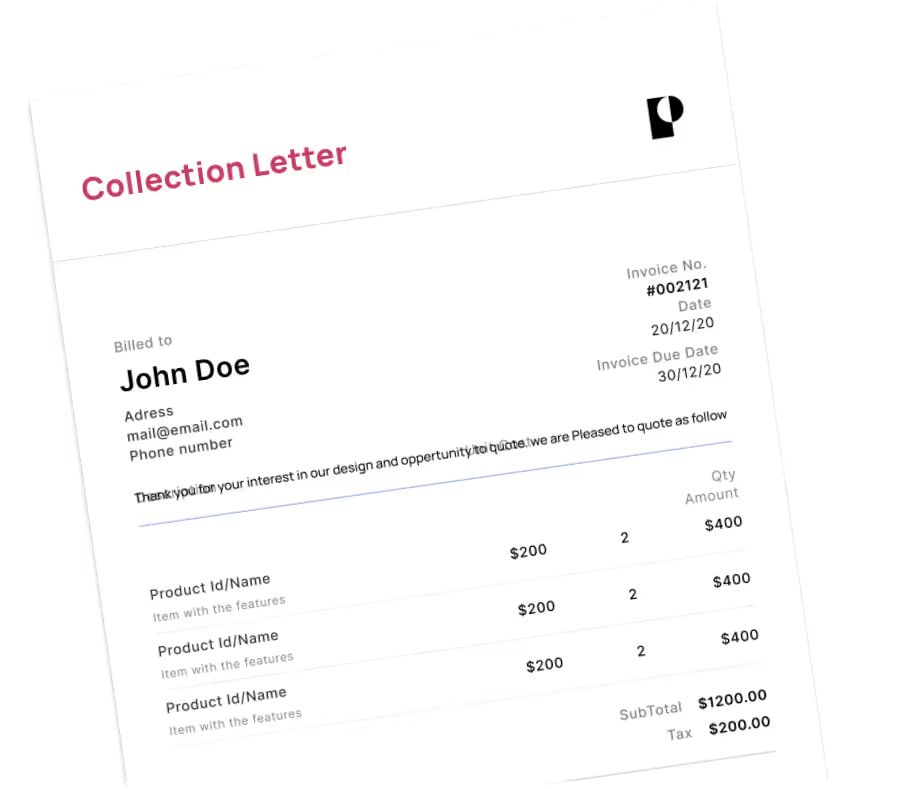
Once connected, go to the Bulk Import (Integration) page to import invoices. Apply date filters by invoice creation date or due date, then select the unpaid invoices you want to escalate. Debitura maps 9 key fields automatically: invoice number, invoice date, due date, total amount, currency, customer name, email, phone, and billing address.
The system validates that each invoice has complete debtor address information, valid currency codes, and proper jurisdiction data before case creation. Only eligible invoices move forward.
For a detailed step-by-step setup guide with screenshots, visit our QuickBooks connection guide in the Debitura Help Center.
See our quick video demo below: